POS Software: The Complete Guide for Shop Owners
A customer buys three items. You write the bill by hand, work out the change, and write the sale in a notebook. At the end of the day, you count the cash, guess what sold, and hope the stock figures in your head are right. If that sounds familiar, your shop is doing by hand what a point of sale system does in seconds.
POS software is the system a shop or restaurant uses at the counter. It bills the customer, takes the payment, updates the stock, and records the sale, all in one place. This guide explains what it is, how it works, what it costs, and how to pick the right one for your business.
Watch the Video
Watch the video: https://www.youtube.com/watch?v=D4VppuJ83as
What Is POS Software?
POS stands for point of sale, the place where a sale happens. POS software is the program that runs that moment. When a cashier scans a barcode or types a product name, the software finds the price, adds it to the bill, works out the tax and the change, prints or sends the receipt, and records the sale.
Behind the counter, the same software keeps the rest of the business in order. It tracks stock, so you know what is running low. It records every sale, so you can see your best selling items and your quiet days. And it produces reports, so at the end of the day you know exactly what you sold, instead of guessing.
A full POS setup usually has three parts: the software itself, a computer or tablet to run it on, and hardware such as a barcode scanner, a receipt printer and a cash drawer. The software is the part that matters most, because it decides what your shop can and cannot do.
How POS Software Works in a Shop
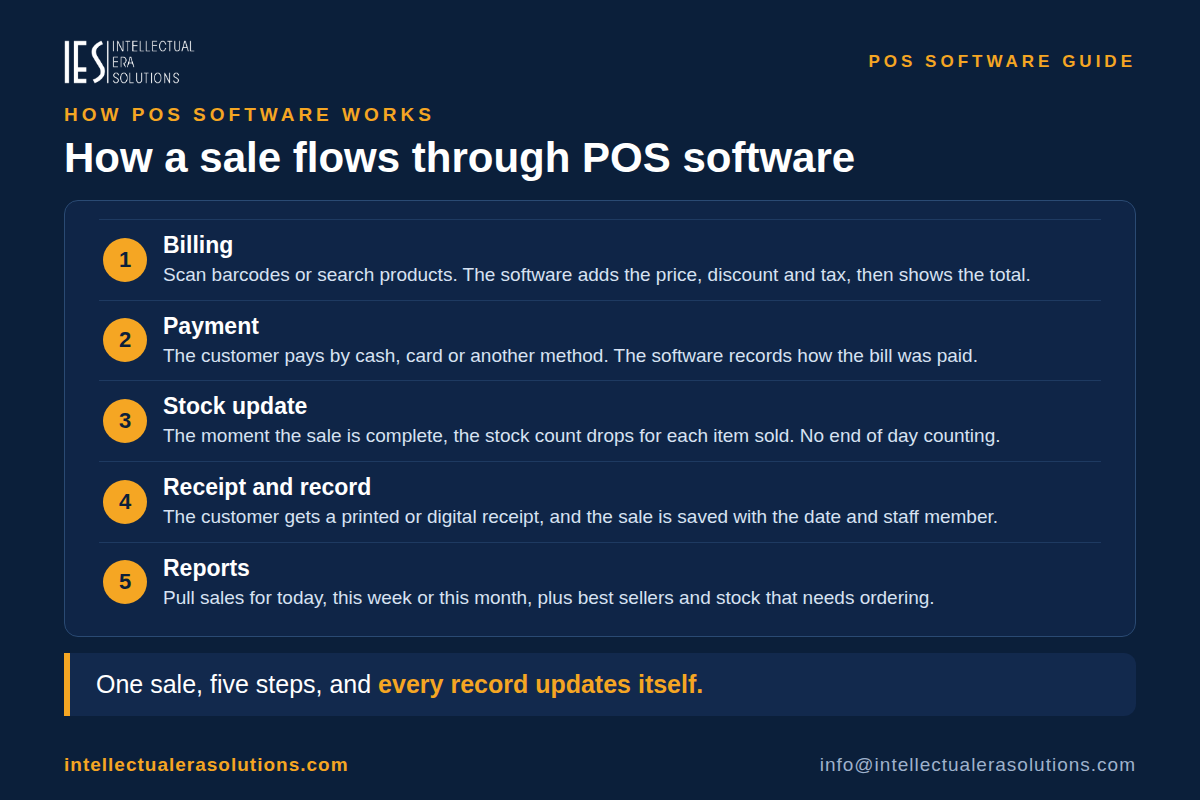
A sale moves through the software in a simple chain, and each step feeds the next one.
- Billing. The cashier adds items to the bill by scanning barcodes or searching product names. The software applies the right price, any discount, and the tax, then shows the total.
- Payment. The customer pays by cash, card, or another method the shop accepts. The software records how the bill was paid and opens the cash drawer for cash payments.
- Stock update. The moment the sale is complete, the software reduces the stock count for each item sold. There is no end of day counting to work out what went, because the record is already correct.
- Receipt and record. The customer gets a printed or digital receipt. The sale is saved with the date, the items, the payment method, and the staff member who served, so it can be found again later.
- Reports. At any point you can pull a report: sales for today, this week, or this month, best sellers, stock that needs ordering, and sales by staff member. Good software comes with dozens of ready made reports, and the useful ones can be customised to your shop. For example, the Atrex system we set up for shops comes with more than 90 standard reports, including invoice reports and reports in Urdu.
How Much Does POS Software Cost?
There is no single price, and any guide that quotes one number for every shop is guessing. The cost depends on a few clear factors.
Licence or subscription. Some POS software is sold as a one time licence, and some is charged every month for each till or user. A monthly charge looks small, but over a year it can cost more than a one time licence, so compare the two over the same period before you decide.
How many tills and users. A single counter costs less than three counters with five staff logins. Most pricing is per till, per user, or both, so count what you actually need.
Hardware. If you already have a computer, a scanner and a printer, you pay only for the software. If you are starting from nothing, budget for the hardware too. A barcode scanner and a receipt printer are the two items most shops need first.
Setup, training and support. Software that arrives with no setup help often ends up unused. Ask what is included: someone to install it, enter your products, set up your users and reports, train your staff, and answer the phone when something breaks. That support is often worth more than a cheaper licence with no help behind it.
Our pricing. We do not list a fixed price, because every shop needs a different setup. Contact us and tell us what you sell, how many counters you run, and what you need the software to do, and we will quote for your shop. See our Atrex POS Software page (https://intellectualerasolutions.com/atrex-pos-software/) for what is included.
Free vs Paid POS Software
Free POS software exists, and for a very small shop it can be enough to start. But free usually means limited, so know what you are giving up before you choose it.
When free is enough. You have one counter, a short product list, and simple needs: bills, cash payments, and a daily total. You are comfortable setting it up yourself, and you do not need reports beyond the basics.
When paid is the better choice. You need proper stock control, barcode labels, user logins with different access for cashier and manager, custom reports such as Urdu reports, more than one till, or support when something goes wrong. Free software rarely covers these, and the time you spend working around the gaps usually costs more than the licence.
The question to ask. Whatever the price, ask what happens when the software stops working on a busy day. If the answer is a support number with a real person, that is worth paying for. If the answer is a forum post and a wait, think carefully.
POS for Restaurants vs Retail Shops
Shops and restaurants both use POS software, but they need different things from it.
Retail shops need strong stock control above all: hundreds or thousands of products, barcodes on everything, stock counts that stay correct, and purchase orders when items run low. A shop with a thousand products and no barcode system will spend its evenings counting.
Restaurants need table and order handling: orders sent to the kitchen, bills split by table, items added to an order after it is placed, and a fast screen for staff on their feet. Stock matters here too, but the daily work is orders, not product counts.
If a vendor shows you a system built for the other kind of business, it will feel wrong within a week. Ask for a demo using your own products and your own daily routine, not the vendor’s sample data.
How to Choose the Right POS for Your Shop
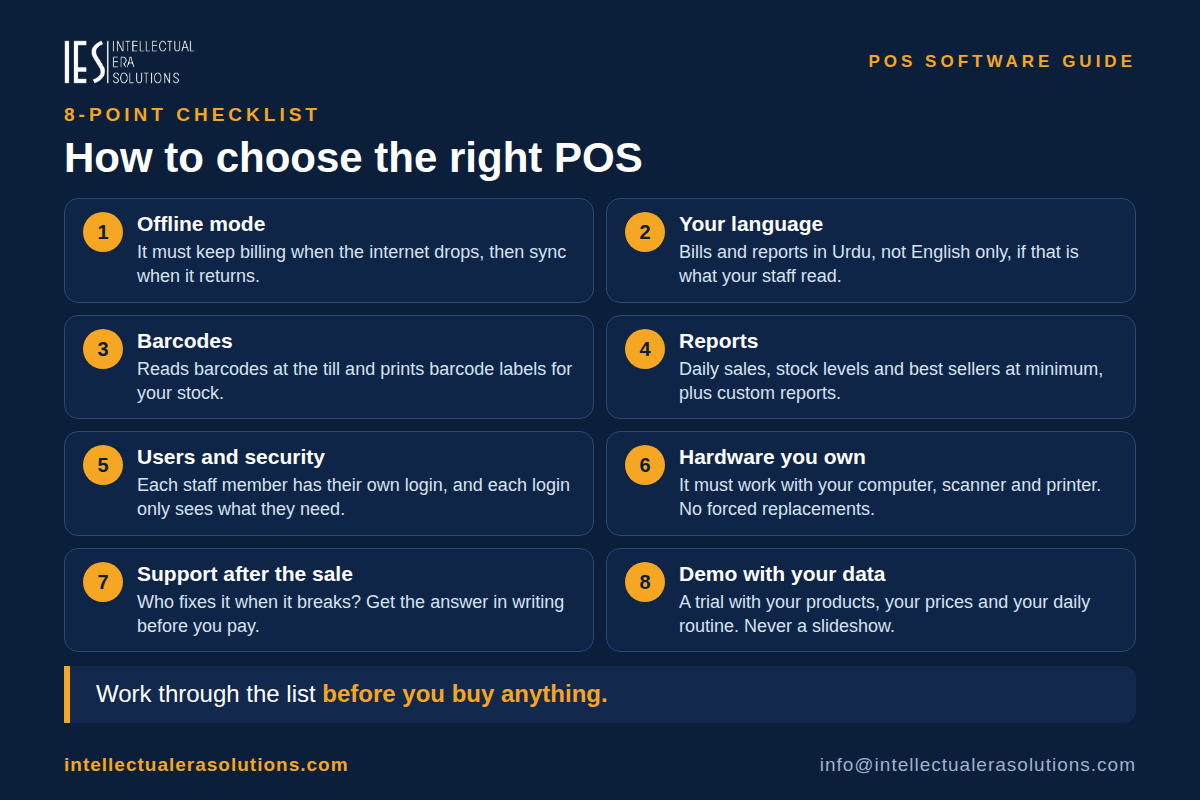
Work through this checklist before you buy anything.
- Offline mode. Your internet will go down one day. The software should keep billing and recording sales without it, and sync when the connection returns. Ask this first, because a system that stops when the internet stops will cost you sales.
- Your language. If your staff and customers read Urdu, the bills and reports should be available in Urdu, not English only.
- Barcodes. It should read barcodes at the till and print barcode labels for your stock, in the formats you need, such as Code 128, Code 39, and QR codes.
- Reports. Check the reports before you buy. You need daily sales, stock levels, and best sellers at minimum, and the ability to get a report made for your business when the standard ones do not fit.
- Users and security. Each member of staff should have their own login, and each login should only see what that person needs. The cashier, the manager and the owner do different jobs, and the software should respect that.
- Hardware you already own. Make sure it works with your computer, scanner and printer, and with the Windows version you run. Replacing working hardware to fit new software is money wasted.
- Support after the sale. Who fixes it when it breaks? Who trains new staff? Who sets up a new report when you ask? Get the answer in writing before you pay.
- A demo with your data. Never buy from a slideshow. Ask the vendor to set up a trial with your products, your prices, and your daily routine, and run a full busy hour on it.
Common Mistakes When Buying POS Software
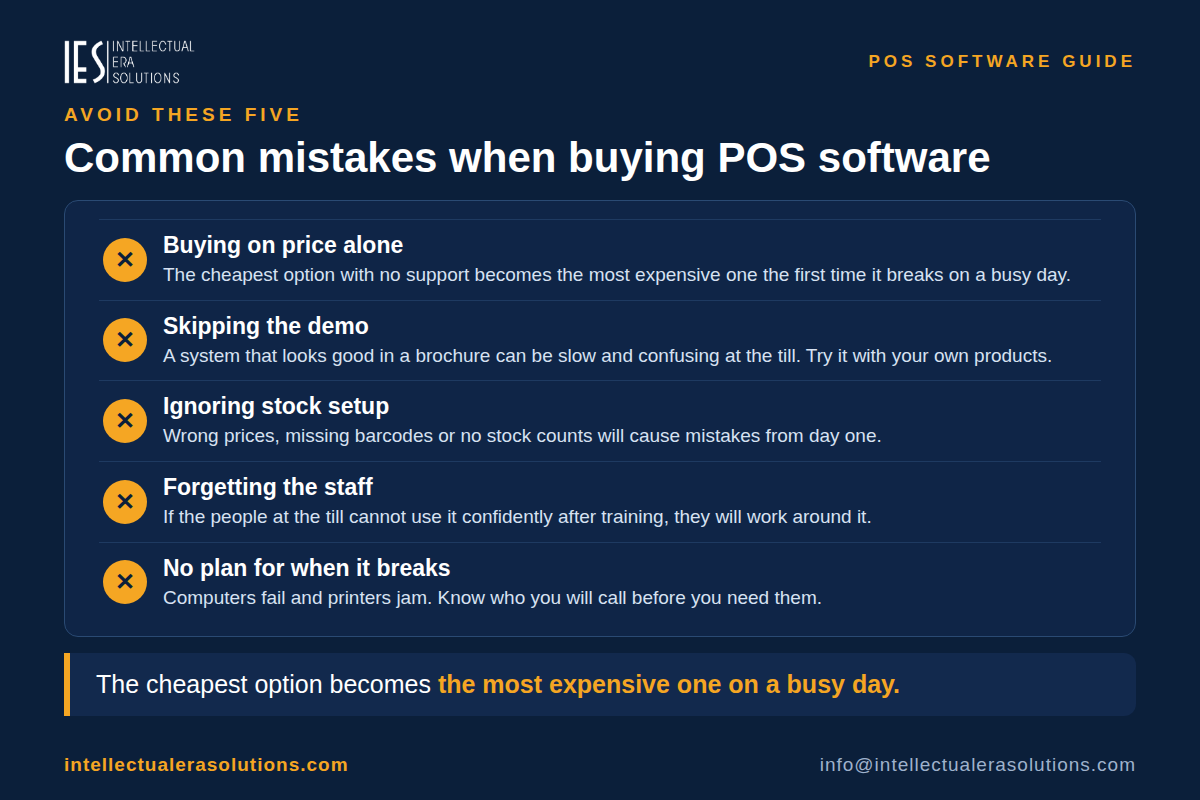
Buying on price alone. The cheapest option with no support becomes the most expensive one the first time it breaks on a busy day.
Skipping the demo. A system that looks good in a brochure can be slow and confusing at the till. If you cannot try it with your own products, do not buy it.
Ignoring stock setup. The software is only as good as the product list inside it. Entering products with wrong prices, missing barcodes, or no stock counts will cause mistakes from day one, so plan time to set it up properly, or ask for help with it.
Forgetting the staff. If the people at the till cannot use it confidently after training, they will work around it, and your records will be wrong. Choose something your staff can actually use.
No plan for when it breaks. Computers fail, printers jam, and databases get errors. Know who you will call and what they will do before you need them. If you already run a POS system and it is showing errors, losing data, or refusing to open, we can help: we fix database errors, set up networking between tills, clear old invoices, and sort out user security on the systems we support.
Frequently Asked Questions
Does POS software work without internet?
It should. A good POS system stores its data on your own computer or network and keeps working when the internet is down, then syncs anything that needs syncing when the connection returns. Ask the vendor to confirm this before you buy, and test it during the demo by unplugging the internet.
Can I use my own computer and hardware?
Usually yes, as long as they meet the software’s requirements. Check the Windows version, the barcode scanner, and the receipt printer with the vendor before you buy. The Atrex system we provide runs on Windows 10 and 11, 64 bit.
Do you provide training?
Yes. We set the software up for your shop, enter your products, set up your users and reports, and train your staff to use it at the till. Support continues after the setup, so when something goes wrong you have someone to call.
Can POS software print reports in Urdu?
The system we provide can. We create Urdu reports for shops whose staff and customers read Urdu, alongside the standard invoice and sales reports.
I already have POS software and it keeps showing errors. Can you help?
Often yes. We fix common problems on the systems we support, including database errors, tills that cannot connect to each other, old invoices that need clearing, and user access that needs fixing. Contact us and describe the exact error message you see.
Need Help Choosing or Setting Up POS Software?
If you run a shop or a restaurant and you are still billing by hand, or your current system keeps breaking, we can help. We provide, set up and support Atrex POS software, including installation, product setup, Urdu and custom reports, barcode setup, networking between tills, and training for your staff.
See what is included on our Atrex POS Software page (https://intellectualerasolutions.com/atrex-pos-software/), or contact us through our website (https://intellectualerasolutions.com/contact/) or email us at info@intellectualerasolutions.com. Tell us what you sell, how many counters you run, and what you need the software to do, and we will help you choose the right setup.