Drupal Fail2Install Flaw Lets Anyone Reinstall Your Live Site
On 18 November 2026, Drupal released security updates for a critical flaw in its core installer. The fix had been public for about a day when the attacks started: by 19 November at 19:00 UTC, the Drupal Security Team had received a report that the flaw was already being exploited on live sites. On 24 November, the US Cybersecurity and Infrastructure Security Agency, CISA, added it to its Known Exploited Vulnerabilities catalog, a list of flaws attackers are using in the real world.
The flaw is called Fail2Install, tracked as CVE-2026-132165, with a CVSS score of 9.8 out of 10. It lets anyone, with no login and no account on your site, trick a live Drupal site back into its installer, take it over, and run code on the server. If you run a Drupal site and you have not updated yet, update now, to 10.6.22, 11.3.22 or 11.4.13.
One thing to be clear about from the start: this is not a zero-day. A zero-day is a flaw that attackers use before a fix exists. Here the fix was public on 18 November, and the attacks started on 19 November. The problem is that many sites had not updated yet. A detailed public write-up of how to exploit the flaw appeared on 24 November, the same day CISA listed it, so any unpatched Drupal site should now be treated as exposed. It is also the third Drupal flaw to come under active exploitation in 2026, after CVE-2026-9082 and CVE-2026-118539, both rated CVSS 6.5.
Watch the Video
Watch on YouTube:
https://www.youtube.com/watch?v=bwWIMCSxnUk
What Fail2Install is
Drupal is a content management system, like WordPress, used to run websites. Every Drupal site is set up once through its installer, a script called core/install.php. Once the site is installed, the installer is supposed to stay closed for good. Fail2Install opens it again on a live site.
Here is how it works, in plain terms. When someone opens the installer, Drupal checks whether the site already has a working database connection. If the database answers, Drupal knows the site is installed and keeps the installer shut. If it does not answer, Drupal concludes the site was never installed and opens the installer so a new site can be set up.
An attacker abuses that check. They flood the server with requests until it runs out of resources: file descriptors, database connections, or TCP source ports. For a brief moment, the database refuses some connections and accepts others, all during a single request. In that moment Drupal’s check fails, it concludes the site was never installed, and the installer opens on the live site. The attacker walks through it like a brand new site owner.
Once inside the installer, the attacker creates their own administrator account, and from there they can run code on the server. One way is by pointing the installer at a crafted SQLite database file saved with a .php extension, which the server then runs as code. At that point the attacker owns the site: they can change content, add users, and install anything they like.
The flaw was found by Anthropic’s OSS Scanner, and Drupal credits that scanner with the discovery. Drupal’s advisory, SA-CORE-2026-017, rates it Highly critical, 20 out of 25, and the CVE record classifies it as CWE-306, Missing Authentication for Critical Function: the installer was missing the authentication check it needed.
No public proof of concept code has been identified, and as of 26 November 2026 no victim counts have been published and no attacker has been publicly linked to the activity. That does not make the flaw less urgent: the exploitation is confirmed, the details are public, and the fix is available.
Which versions are affected
The flaw affects Drupal 10 before 10.6.22, Drupal 11.0.0 through 11.3.21, and Drupal 11.4.0 through 11.4.12. The end of life versions, Drupal 8.9 and Drupal 9, are affected too and will not receive a fix. The fixed versions were all released on 18 November 2026.
| Branch | Status | Action |
|---|---|---|
| Drupal 11.4.x | Supported | Update to 11.4.13 |
| Drupal 11.3.x | Supported | Update to 11.3.22 |
| Drupal 11.2.x and earlier 11.x | End of life | Move to 11.3.22 or 11.4.13 |
| Drupal 10.6.x | Supported | Update to 10.6.22 |
| Drupal 10.5.x and earlier 10.x | End of life | Move to 10.6.22 or a fixed 11.x release |
| Drupal 8 and Drupal 9 | End of life | Upgrade to a supported branch |
If your site runs a supported branch, the update is a patch release inside the same branch, so it should be straightforward. If your site runs an end of life branch, there is no patch for you: the only safe move is to upgrade to a supported branch. That is a bigger job than a patch, so start it now, and use the temporary shield below while you plan it. If you are not sure which version your site runs, check the admin area, or ask your developer or hosting provider. Do not guess: the version decides which fixed release you need.
What to do now
Do these five steps in order. Do not skip the backup, and do not skip the check afterwards. An update fixes the flaw, but it does not remove an attacker who is already inside.
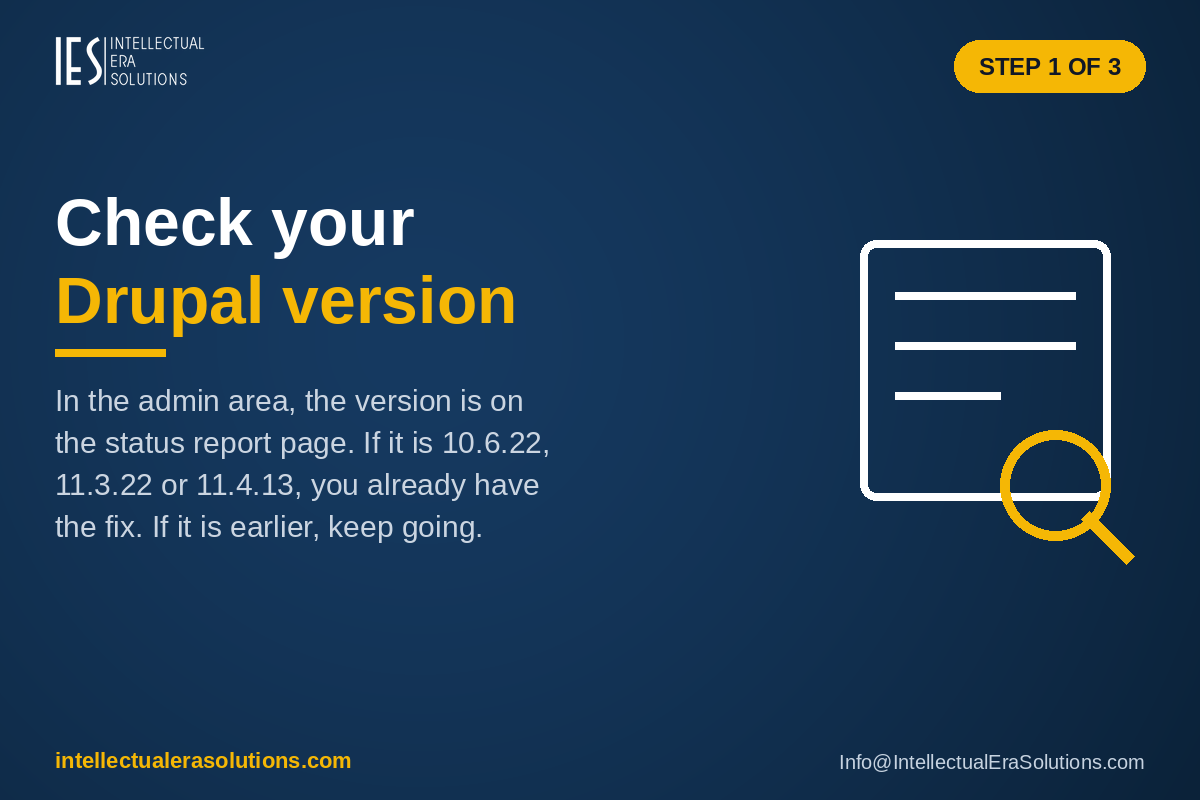
Step 1: Check your Drupal version
Find out exactly which version your site runs, and which branch it is on. In the admin area, the version is shown on the status report page. If you cannot reach the admin area, your developer or hosting provider can tell you from the site files. If it is 10.6.22, 11.3.22 or 11.4.13, or a later release in one of those branches, your site already has the fix, and you can move straight to step 4. If it is anything earlier, keep going.
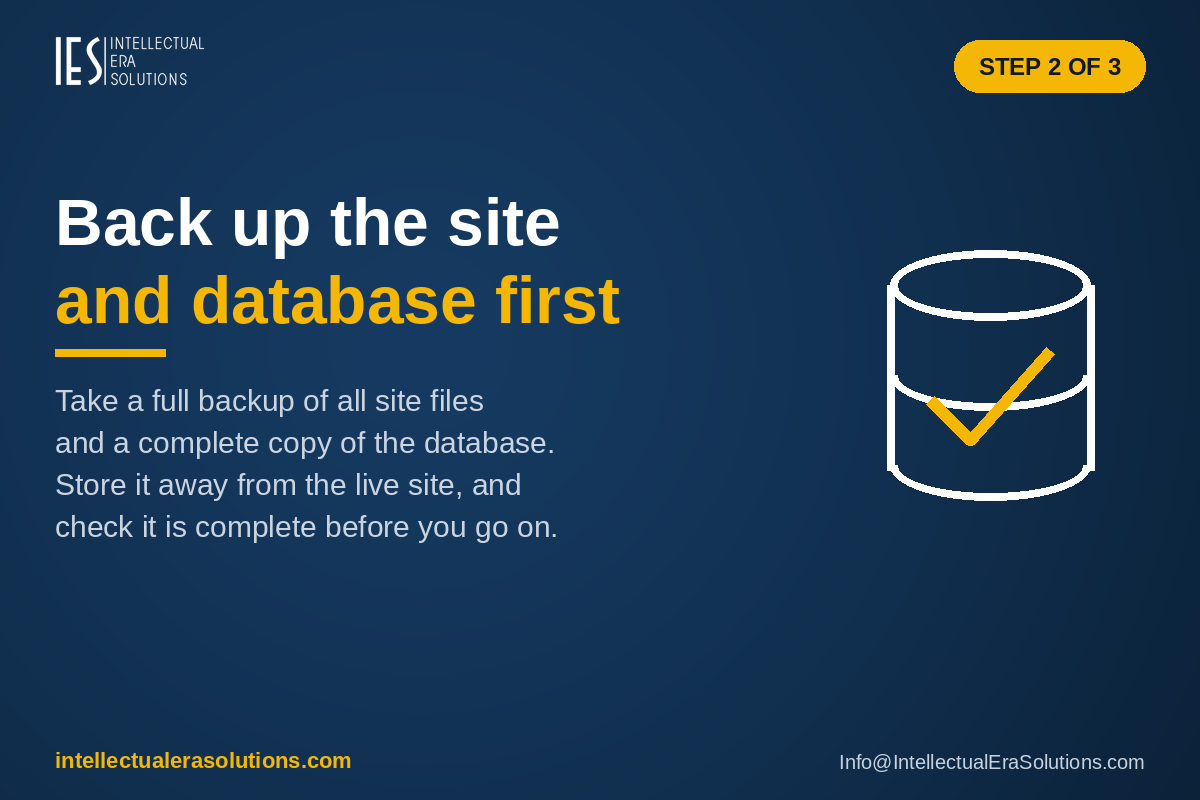
Step 2: Back up the site and database first
Before you update anything, take a full backup: all the site files and a complete copy of the database. Store it somewhere safe, away from the live site, and check that it is complete before you go on. If the update goes wrong, or if you find later that the site was already compromised, this backup is what lets you go back.
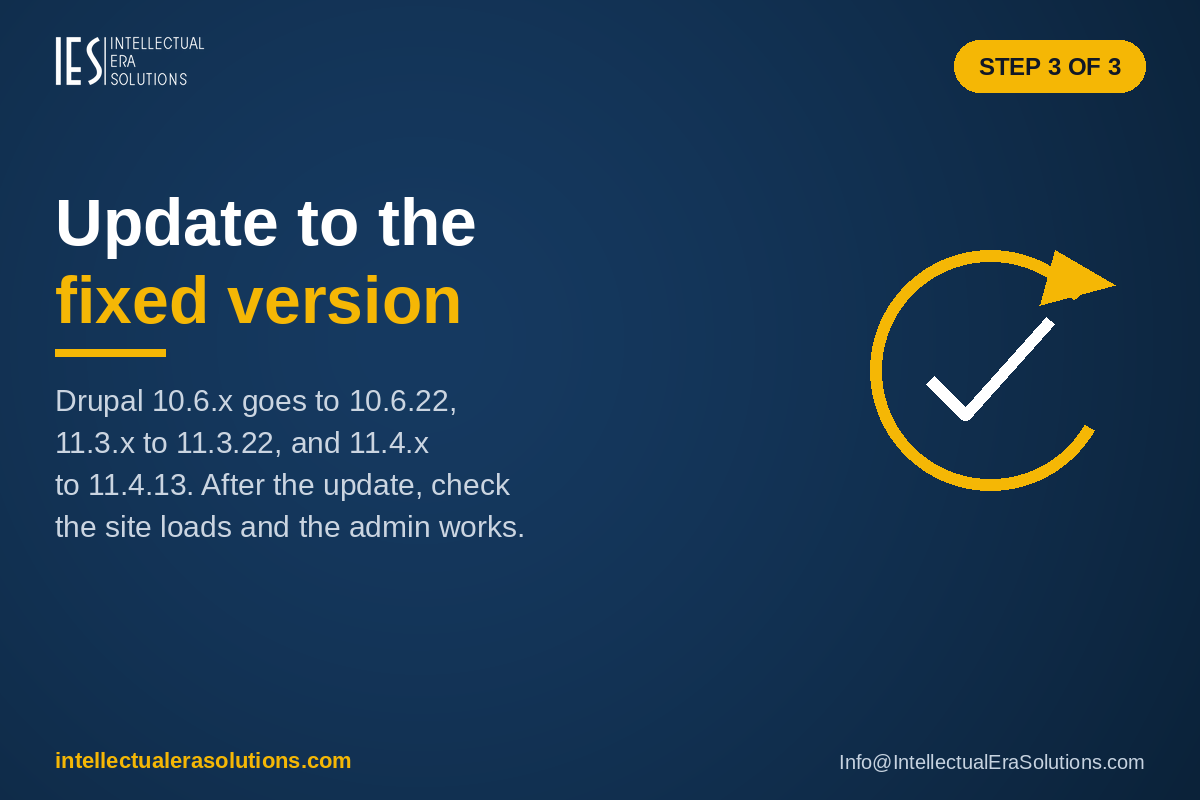
Step 3: Update to the fixed version for your branch
Update using your normal Drupal update process. Drupal 10.6.x goes to 10.6.22, Drupal 11.3.x to 11.3.22, and Drupal 11.4.x to 11.4.13. After the update, check that the site loads normally, the admin area works, and the status report page shows the fixed version. If your branch is end of life, do not look for a patch that does not exist: plan the upgrade to a supported branch now, and block the installer in the meantime, as described below.
Step 4: Check for signs of compromise
An update closes the flaw, but it does not remove an attacker who got in before you updated. Look for administrator accounts you did not create, or accounts whose roles or email addresses changed. Look for files you did not add, especially new .php files, and for files whose dates changed recently. Look for settings you did not change, content you did not write, and visitors being sent to pages you do not recognise. Check your server logs for a flood of requests to /core/install.php, especially around 19 November or later. If you find any of these signs, treat the site as compromised and go to step 5.
Step 5: If you were hacked, take the site offline, restore from a clean backup, and change all passwords
If the check in step 4 finds anything wrong, do not try to clean the live site by deleting a file or two. Take the site offline so the attacker cannot use it while you work. Restore from a clean backup made before 19 November 2026, because a backup made after that date may already contain the attacker’s changes. Then change every password connected to the site: every Drupal administrator account, the hosting account, the database password, and FTP or SSH access, plus any other account that shares a password with the site. Check the server logs for requests to the installer and for new files. If you are not sure the site is clean, ask a professional to check it. A site that looks fixed but still has a hidden backdoor will be hacked again.
What if you cannot update today
If you cannot update right now, block the installer. Deny web access to /core/install.php in your web server configuration, or in the .htaccess file in the web root. This is the mitigation Drupal points administrators to, and it stops this attack, because the attacker can no longer reach the installer at all. Be honest with yourself about what this is: a temporary shield, not a fix. Your site stays on a version with a known critical flaw, so update as soon as you can, and do not let the temporary shield become permanent. If your site runs an end of life branch, blocking the installer buys you time to plan the upgrade, and nothing more.
Frequently asked questions
Does this affect WordPress?
No. Fail2Install is a flaw in Drupal core, not WordPress, and WordPress sites are not affected by this CVE. The lesson is the same for every site owner, though: keep your software updated, because attackers move fast once a fix is public.
How do I know if my site was hacked?
Look for new administrator accounts you did not create, files you did not add, settings you did not change, strange content, or visitors being sent to pages you do not recognise. Check your server logs for a flood of requests to /core/install.php, especially around 19 November or later. If you find any of these signs, treat the site as compromised: take it offline, restore from a backup made before 19 November 2026, and change all passwords.
What if my Drupal version is end of life?
End of life versions, Drupal 8.9, Drupal 9, Drupal 10.5 and earlier, and Drupal 11.2 and earlier, will not get a fix. The only safe move is to upgrade to a supported branch: 10.6.22, 11.3.22 or 11.4.13. If you cannot upgrade right away, block web access to /core/install.php as a temporary shield, and start the upgrade now.
Do I need to update if my site is behind a firewall?
Yes. A firewall or a web application firewall helps, but this attack works by exhausting server resources, and the flaw is in Drupal itself. The update is the fix. Keep the firewall as an extra layer, not as a replacement for the update.
What is the CISA KEV catalog?
The Known Exploited Vulnerabilities catalog is a list kept by the US Cybersecurity and Infrastructure Security Agency of flaws being exploited in the real world. When a flaw is added, US federal civilian agencies must fix it by the date CISA sets. For Fail2Install that date is 27 November 2026, and CISA’s entry also requires forensic triage, not just patching. That deadline applies to federal agencies, not to your site, but a KEV listing is a strong signal that every site owner should act now.
A note on who we are
Intellectual Era Solutions does not build or sell Drupal sites, and we do not offer Drupal development. We wrote this alert because a critical flaw being exploited in the wild is news that site owners need to hear, whatever platform they run on. If you run a Drupal site and need help updating it, backing it up, or checking whether it was compromised, our website maintenance service covers updates, backups and security checks. The update itself is free to apply, and the fixed versions are listed above, so if you have a developer, send them this post and ask them to update today.
Related guides
- WordPress 7.1.5 Security Update: What It Fixes and What to Do
- Fake WordPress Plugin Runs Attacker JavaScript on Your Visitors
- How to Tell If Your WordPress Site Is Hacked (7 Warning Signs)
- Website maintenance service
Sources
- The Hacker News, Fail2Install exploit details: https://thehackernews.com/2026/11/drupal-fail2install-rce-flaw-actively.html
- Uptycs threat bulletin on CVE-2026-132165: https://www.uptycs.com/blog/drupal-fail2install-cve-2026-132165
- StepSecurity Fail2Install write-up: https://www.stepsecurity.io/blog/drupal-fail2install-rce
- SOCRadar blog on CVE-2026-132165: https://socradar.io/blog/drupal-fail2install-cve-2026-132165/
- Drupal advisory SA-CORE-2026-017: https://www.drupal.org/sa-core-2026-017