WordPress 7.1.5 Is Out: A Security Update You Should Not Skip
WordPress 7.1.5 was released on 18 November 2026. It is a security release, not a feature release, and WordPress recommends updating immediately.
It fixes 19 security flaws. One is rated critical at 9.1 out of 10. Eight of the flaws need no login at all, so a visitor with no account can try them. The most serious one can let such a visitor gain admin powers, and could let them run code on your site.
This is the second security release in a month. The last one, WordPress 7.1.4, fixed a flaw in the update process itself. See our guide on the WordPress 7.1.4 security flaw if you missed it. This post explains who 7.1.5 affects, what it fixes in plain English, and how to update safely, step by step.
Watch the Video
https://www.youtube.com/watch?v=cf_BKevn_Zk
Who Is Affected
This update affects every WordPress site running a version before 7.1.5, unless it already has the matching patched release for its branch.
WordPress backported the fixes to every branch still receiving security fixes, back to version 4.7. If your site runs an older branch, use that branch’s patched release. For example, the patched releases are 7.0.9 for the 7.0 branch and 6.9.12 for the 6.9 branch. The goal is the same in every case: get the fixes in, on the version you already run.
If your site already says 7.1.5, or the matching patched release for your branch, you already have these fixes. Check the version first, in Dashboard, Updates, before you do anything else.
Multisite networks need extra care. The critical flaw in this release targets multisite, where one site’s admin can take over the whole network. If you run multisite, treat this update as urgent, and tell every site admin on the network that an update is coming.
What 7.1.5 Fixes
WordPress lists 20 security items in its release note. Wordfence counts 19 distinct vulnerabilities in the same release, plus two hardening changes, which are extra safety improvements with no direct attack path. The two counts describe the same release. The number that matters for site owners is 19 flaws fixed, with one critical and four high severity flaws.
Here are the flaws that matter most, in plain English.
1. A visitor with no account can gain admin powers, and could run code on your site.
This is the unauthenticated privilege escalation in the Template Part block. It works through the theme and slug settings of a Template Part, and it needs an editor user to open crafted content. WordPress says it could lead to remote code execution, which means running code on your server. That is the worst kind of flaw, because it turns a site visit into control of the site.
2. On multisite, a site admin can take over the whole network.
This is the critical flaw, rated 9.1. A site Administrator on one site in a multisite network can take over a Super Admin account through Customizer menu previews. A Super Admin controls every site on the network, so this one flaw can hand over the entire network.
3. Two SQL injection flaws.
SQL injection lets an attacker send database commands through a place that should only accept normal input. One is in WP_Meta_Query, through nested relation values, and it can be reached when a plugin or theme passes untrusted input into it. The other is in the front page setting in Customizer changeset previews. Both are fixed in 7.1.5.
4. Stored cross site scripting, known as XSS.
XSS lets an attacker store a script on your site that then runs in someone else’s browser. This release fixes several of them, including one through shortcode attributes in comments that needs no login, one in the legacy media library popup, one through the Comment Date block, and one through scripts in oEmbed provider responses. An editor or contributor account is enough for some of them, and no account at all is enough for the comment one.
5. Information disclosure through the REST API.
Some flaws let a visitor see things they should not see. Private taxonomy terms were exposed through the REST API search endpoint, with no login needed. User email addresses were exposed through the REST API comments endpoint to an author level account. Post and template author assignments were exposed to an editor level account. None of these hand over the site by themselves, but they give an attacker the details they need for the next step.
6. Denial of service through batched XML-RPC pingbacks.
An attacker with no account could flood the site with batched pingback requests and make it slow or unavailable. This is fixed too.
7. An authorization bypass in comment editing.
An author level account could edit comments it should not be able to edit. It sounds small, but it is the same pattern as the bigger flaws: an account doing more than it should be allowed to do.
As of 19 November 2026, no source reviewed by Cloudflare reported that these flaws were being exploited in real attacks, and the CISA Known Exploited Vulnerabilities list dated 18 November 2026 had no entry for them. That is good news, but it is not a reason to wait. Security flaws get exploited after the fix is public, because the fix itself shows attackers where to look. Update now, while the window is still short.
No CVE identifiers had been assigned for these flaws when WordPress published the release. That is normal for a fast security release, and it does not make the flaws less serious.
The Fix, Step by Step
Do these steps in this exact order. Do not skip ahead to the update.
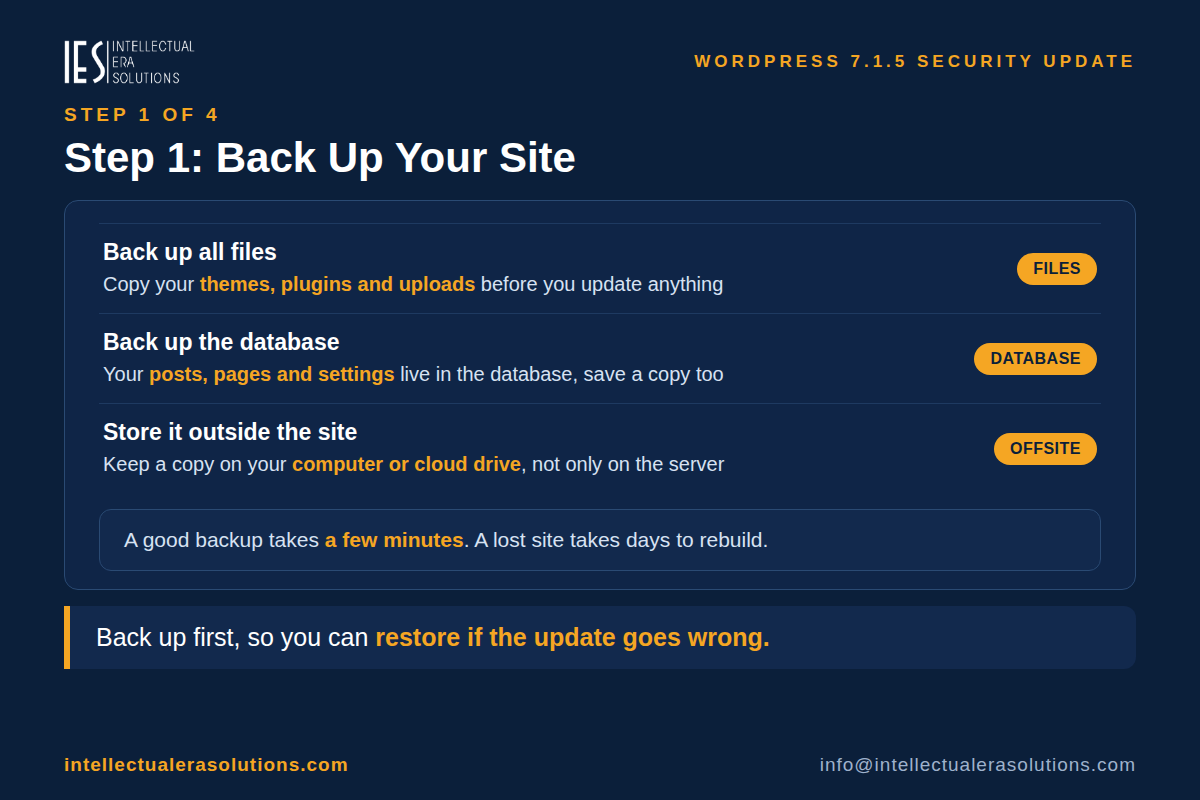
Step 1: Back up your site
Make a full backup, all files and the database, and store a copy outside the website itself, for example by downloading it. If anything goes wrong during the update, you can restore your site. This step takes a few minutes, and it is the step people regret skipping.
Step 2: Check your current version and your plugins
Go to Dashboard, Updates, and note the version your site is running now. If it already says 7.1.5, or the patched release for your branch, stop here. You are already fixed.
While you are there, check that your plugins and theme are up to date too. An old plugin can carry its own flaws, and a plugin that passes untrusted input into WP_Meta_Query is part of the chain for one of the SQL injection flaws in this release. If a plugin has an update available, update it after WordPress, and test the site after each update.
If your site runs multisite, tell the site admins first. They will be logged out or see changes during the update, and the critical flaw in this release is a multisite flaw, so they need to know why the update is urgent.
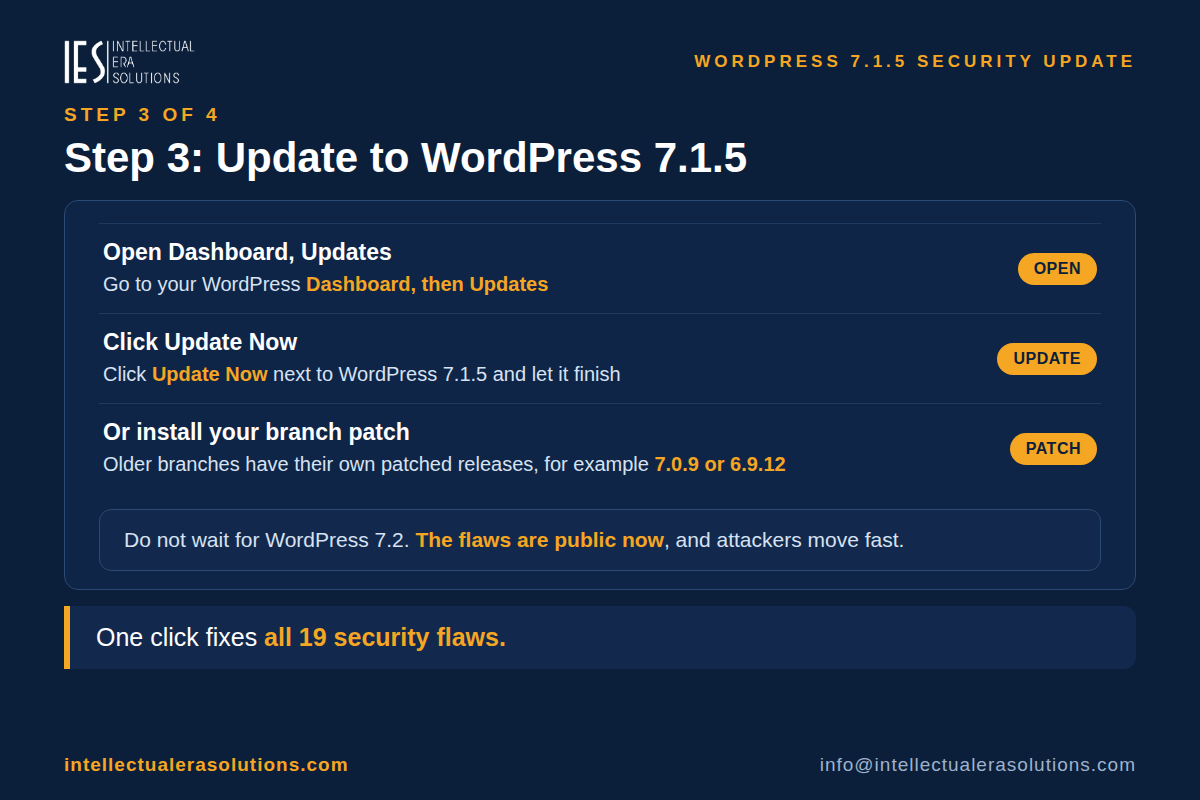
Step 3: Update to WordPress 7.1.5
Update to WordPress 7.1.5, or your branch’s patched release, from Dashboard, Updates, then Update Now. Most sites with automatic background updates enabled will receive the release automatically, but do not assume it happened. Check it yourself in the next step.
Do not wait for WordPress 7.2. The next major release is planned for 8 December 2026, and it is a feature release, not a security fix. The flaws in 7.1.5 are fixed now, in 7.1.5. Waiting three weeks leaves your site open for no reason.
Step 4: Verify the version and test the site
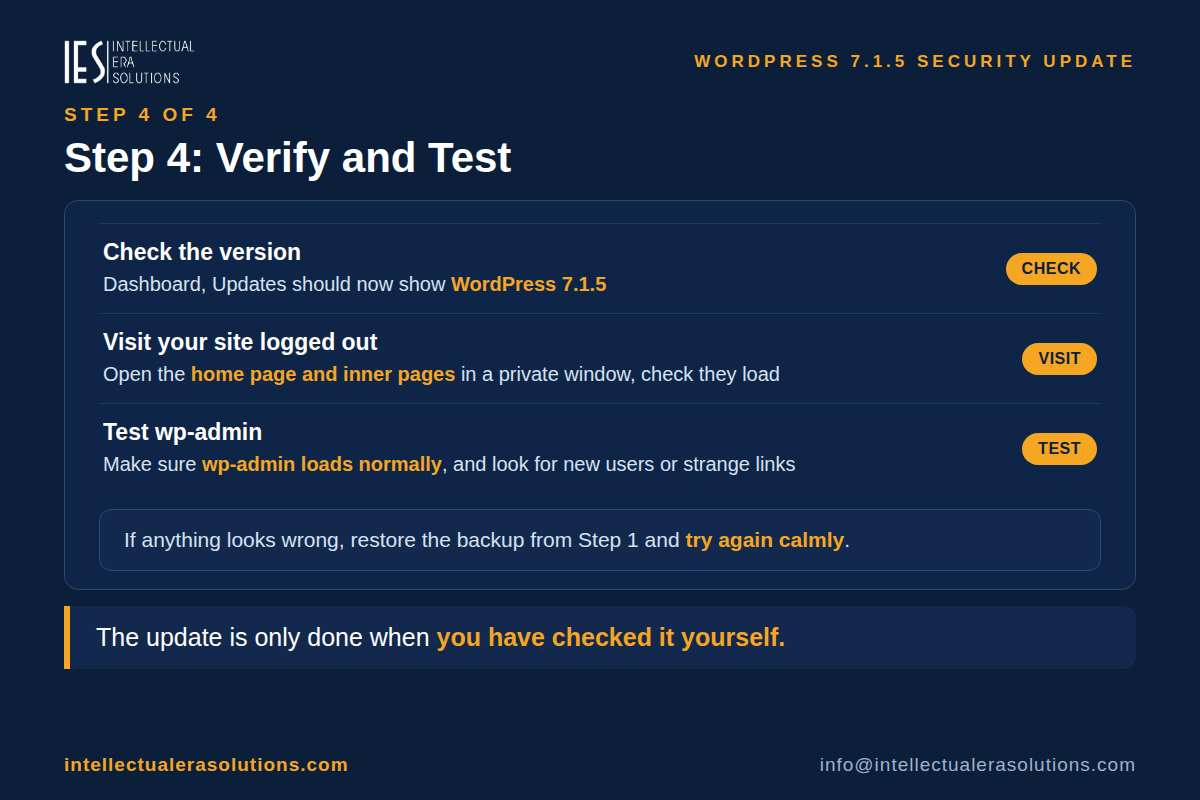
After the update, go back to Dashboard, Updates, and check that the version now says 7.1.5, or your branch’s patched release. That is the proof the update worked.
Then test the site properly. Visit the home page and a few inner pages while logged out, so you see what a visitor sees. Log in to wp-admin and check that the dashboard loads normally. If the dashboard looks broken, plain text with no styling, follow our admin dashboard guide before you change anything else. If the site will not load at all, work through our site-down guide first, and do not keep clicking update.
Step 5: Check for anything strange
After any security update, spend five minutes looking for signs that someone already got in. Check Settings, Users, for any user you do not recognise, especially any new Administrator. Check that your home page and key pages look right, and that no strange links or redirects have appeared. If anything looks wrong, do not just delete it and move on. Work through our hacked-site guide, which covers what to preserve, what to scan, and when to call a professional.
How to Know It Is Fixed
The fix is in when all three of these are true.
- Dashboard, Updates, shows 7.1.5, or the patched release for your branch.
- The site loads normally for logged out visitors, and wp-admin loads normally for you.
- No new users, no strange links, and no unexpected changes appeared after the update.
If the version still shows the old number after you clicked update, the update did not complete. Check your hosting account for an error, or a message that the update was blocked, and try again after a backup. Do not keep clicking update on a site that is already showing errors.
Frequently Asked Questions
Do I need to update if my site is small and nobody visits it?
Yes. Attackers do not pick sites by size. They scan the internet automatically for sites running old versions, and a small site is just as easy to find as a big one. A small site that gets taken over can be used to attack others, or to host spam, so update it the same way.
My site updated itself automatically. Do I still need to do anything?
Check that it did. Go to Dashboard, Updates, and confirm the version says 7.1.5. Automatic updates can fail silently, for example if the site ran out of disk space, or if a plugin blocked the update. The check takes less than a minute.
I run an older WordPress version, not 7.1. Can I still get the fix?
Yes, if your branch still receives security fixes. WordPress backported these fixes to branches back to 4.7. Update to the patched release for your branch, for example 7.0.9 or 6.9.12. If your branch is 4.6 or older, it no longer receives security updates at all, and you need to move to a supported version.
What if I am on multisite?
Update the network as soon as you can, and tell your site admins first. The critical 9.1 flaw is a multisite flaw, and a site admin on one site can take over the whole network through it. After the update, check the Super Admin accounts and make sure no new Super Admin appeared.
Were these flaws already being used by hackers?
As of 19 November 2026, no source reviewed by Cloudflare reported exploitation, and CISA had no entry for these flaws. That can change quickly once the fix is public, because the fix shows attackers exactly what changed. Do not treat the lack of reported attacks as safety. Update now.
Is WordPress 7.2 coming soon? Should I wait for it?
WordPress 7.2 is planned for 8 December 2026. It is the next major release, with new features. It is not a substitute for this security update. Update to 7.1.5 now, and take 7.2 when it arrives, after a backup, in the same careful way.
Need Help Updating Your WordPress Site?
A security update is simple when it goes well, and stressful when it does not. If you would rather not update your live site yourself, or your site is on an old branch, runs multisite, or already shows errors, we can help. Intellectual Era Solutions provides WordPress maintenance and WordPress security updates, with WordPress development, troubleshooting, and IT consulting for clients worldwide.
Contact us through our website, or email us at info@intellectualerasolutions.com, and tell us your current WordPress version, whether your site is multisite, and whether anything already looks wrong. We will update it safely, verify the version, and check the site after.